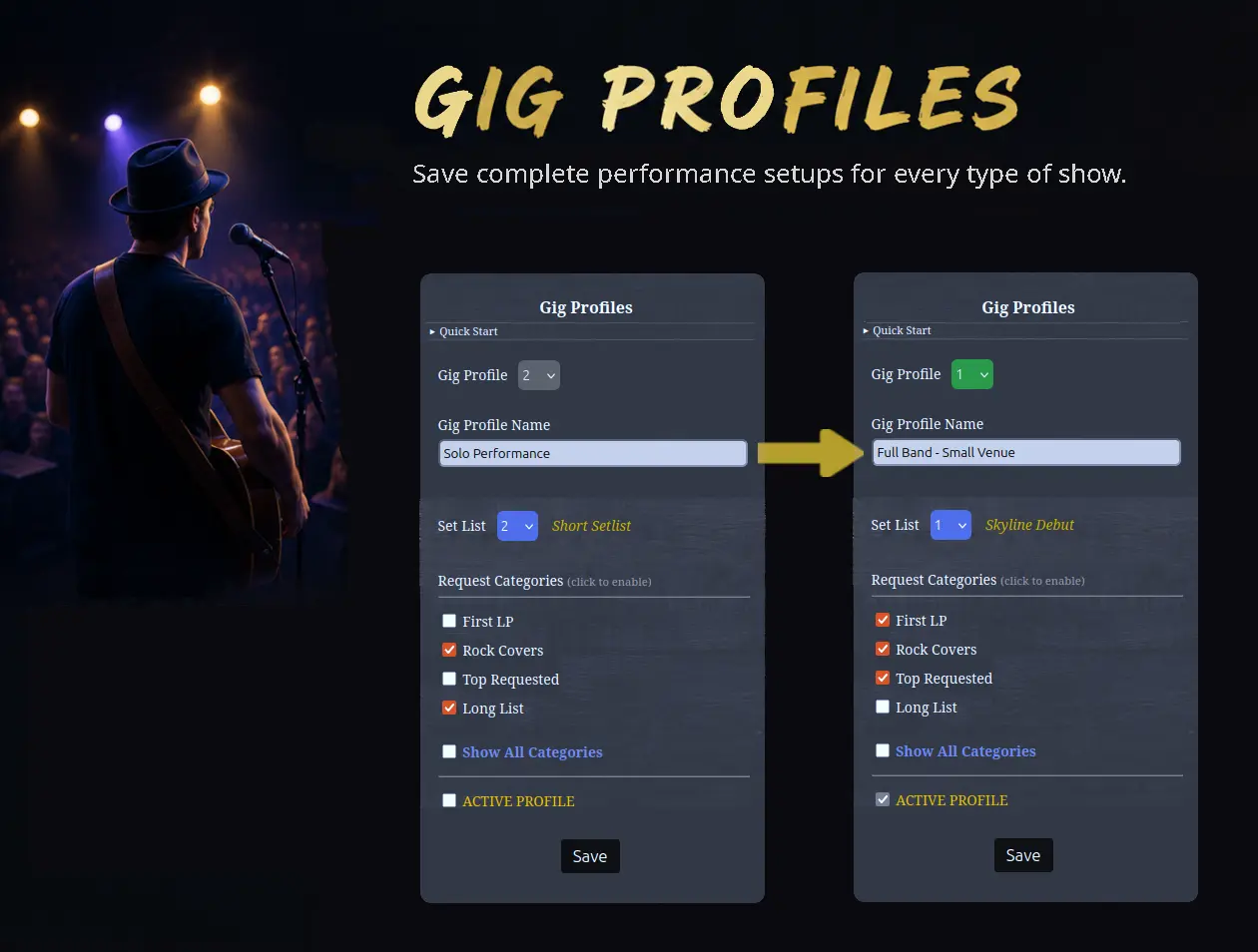
Switch your entire performance setup in seconds.
Gig Profiles let you instantly switch between your custom setups—solo, duo, band, wedding, or venue-specific performances.
Your setlist, available song requests, and request settings all switch to the selected profile in an instant.
Your Stage Console loads ready to perform.
When a Gig Profile is active, its saved setlist automatically loads into the Stage Console.
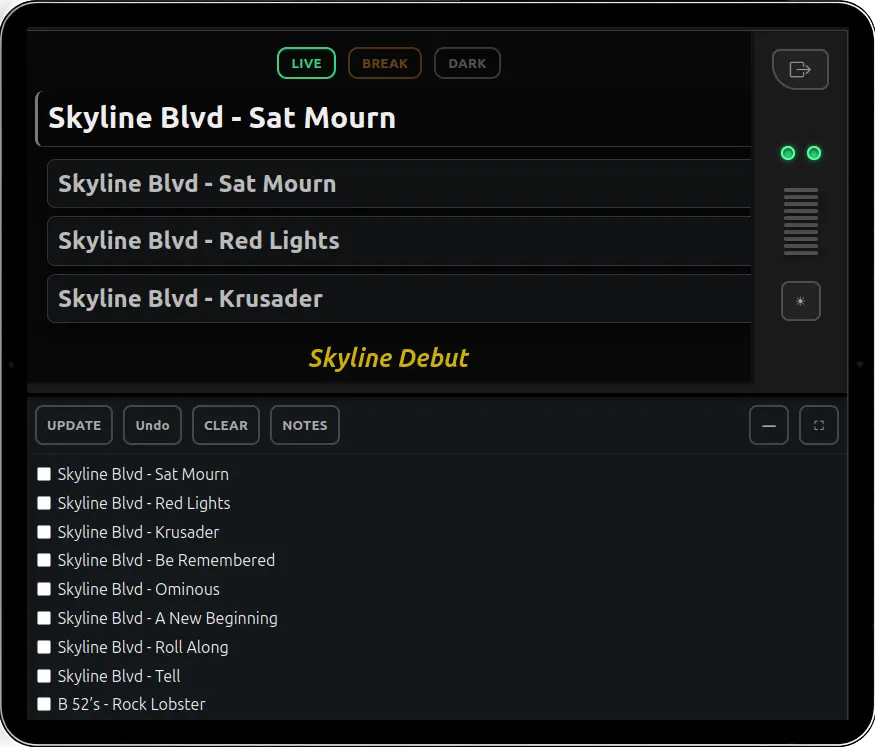
- Active setlist displays as confirmation
- First setlist song appears at the top
- Audience request slots are ready underneath
- Full setlist and performance controls remain available below
The Stage Console is ready to manage the show, so you can focus on your performance.
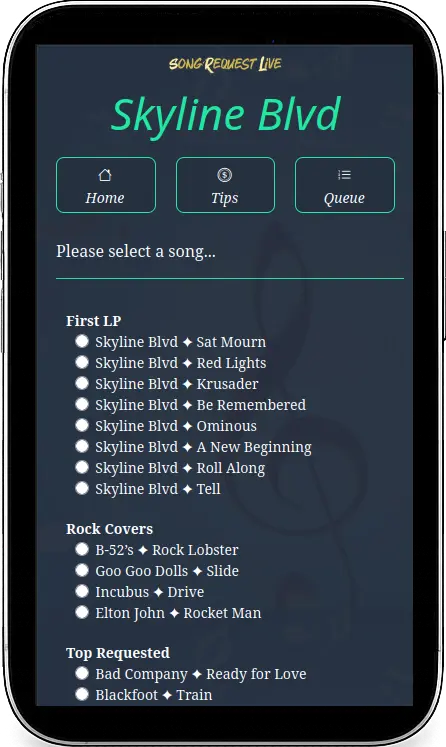
Audience requests match the show.
Your audience instantly sees the request categories saved in your Gig Profile.
Use one request category, all request categories, or any combination in between.
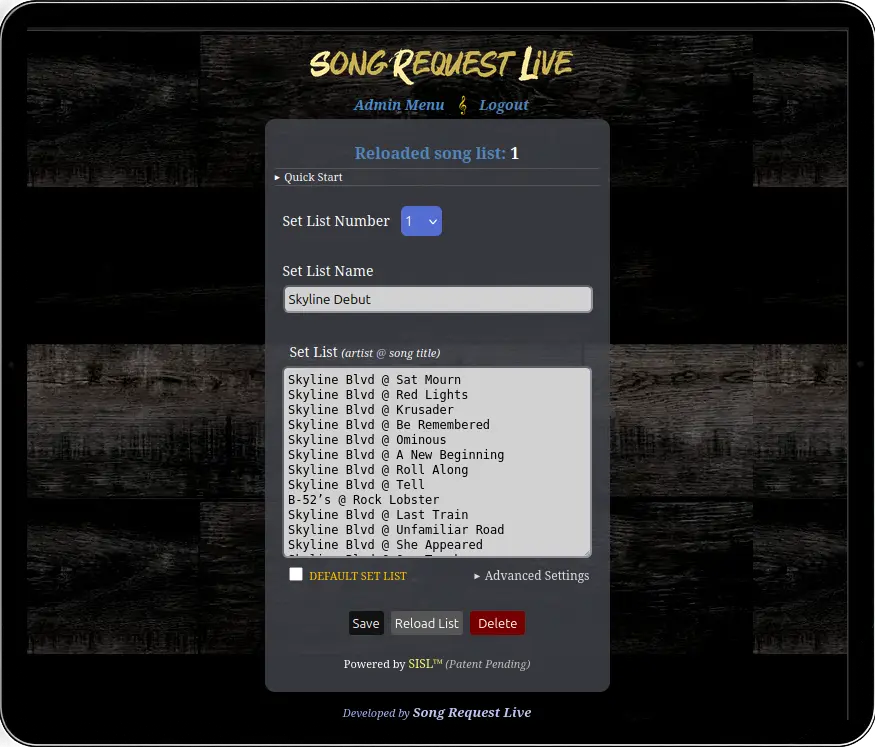
Your setlists are already there.
Gig Profiles automatically use the setlists and request categories you've already created.
- Setlists are available automatically
- Request categories are available automatically
- Select the setup you want for each type of show
- Set one Gig Profile as active and SRL loads it when you perform
Wherever you play. Whoever you perform with. Be ready in one click.
No credit card required for your free account.
