Your performance. One command center.
Run your entire performance from a single screen.
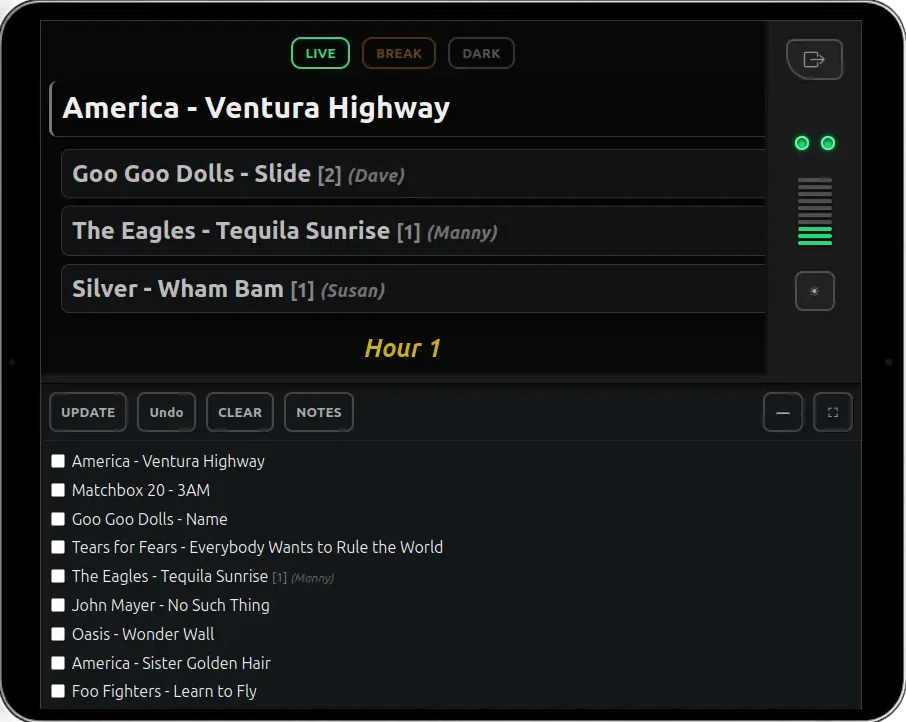
The SRL Stage Console brings your performance together in one place.
Audience requests flow directly into your setlist,
Song Notes open instantly from any song in your setlist, hands-free controls keep you moving through your show,
and frictionless three-click tipping helps you earn more—all so you can focus on your audience instead of your device.
Explore Song Request Live Features
Hands-Free Live|Audience Song Requests|Instant Tip JarNo Special Hardware Required
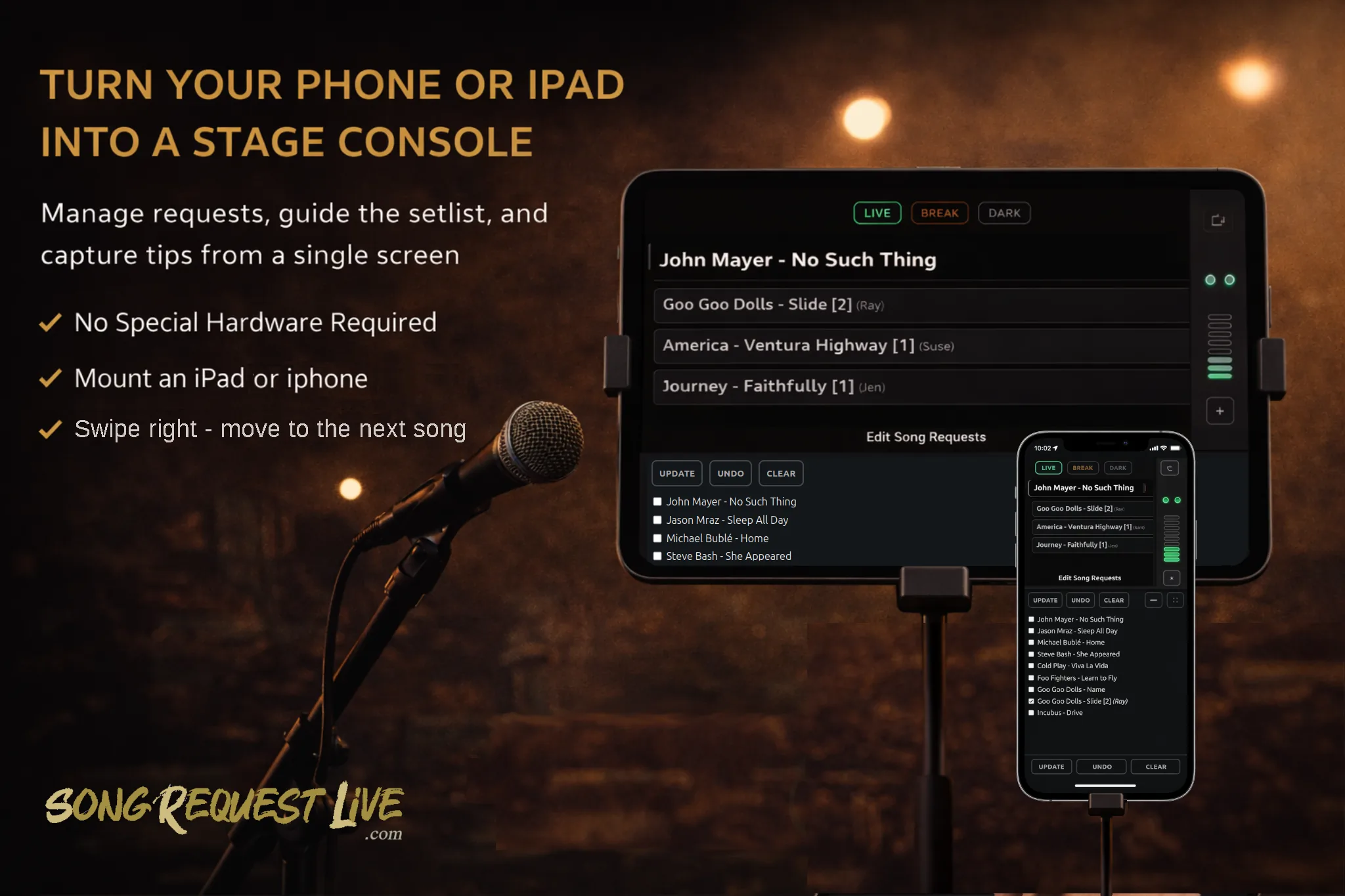
Your phone or tablet becomes your Stage Console.
Mount your device on your mic stand.
SRL runs on modern browser-based devices, including phones, tablets, and laptops.
SRL runs on modern browser-based devices, including phones, tablets, and laptops.
Your Stage Console in Action.
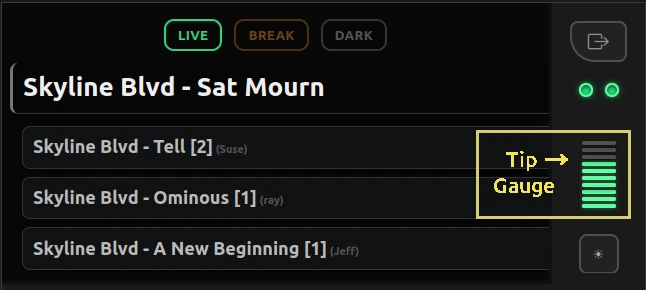
Next song, always at the top.
Your top three audience requests appear directly below.
Your top three audience requests appear directly below.
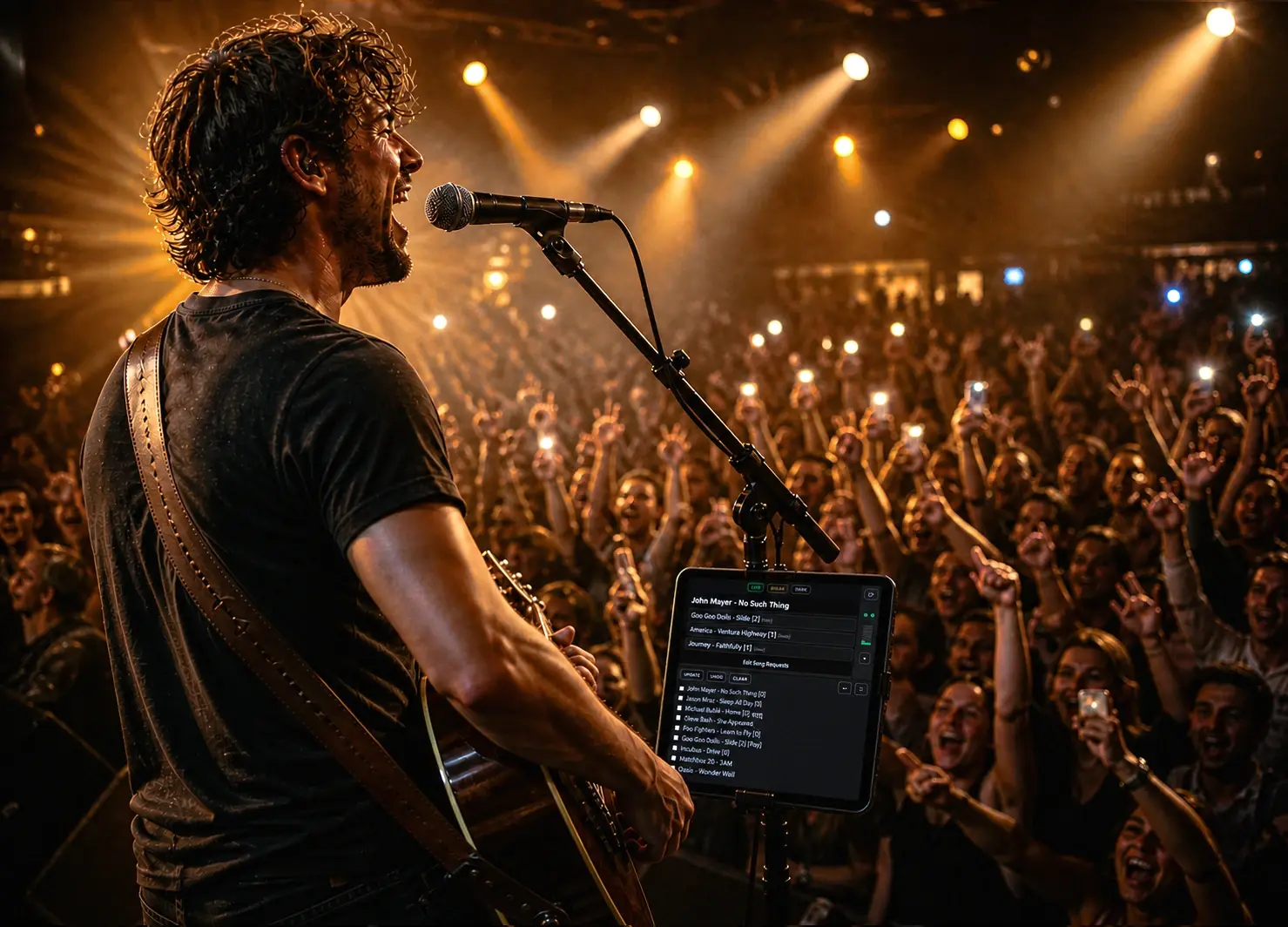
➢ Swipe left on any song to open Song Notes
➢ Swipe right to advance after song completion
➢ Or go Hands-Free
Your complete setlist and queue controls remain in the lower section.
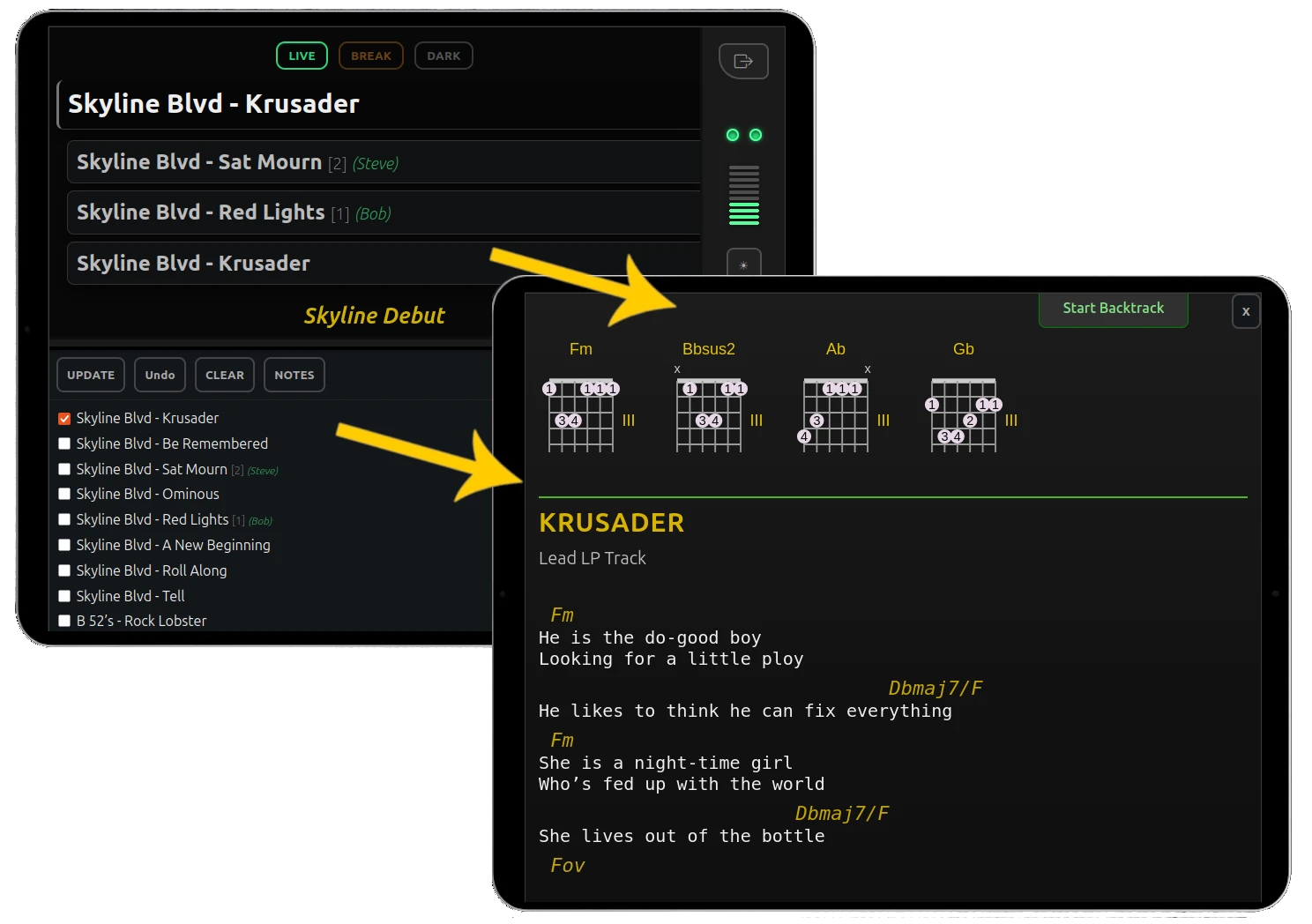
Song Notes open instantly from any song.
Live tip and audience request indicators stay visible throughout your performance.
Song Notes open instantly from any song.
Live tip and audience request indicators stay visible throughout your performance.
Everything you need. Nothing you don't.
Your song notes, right there.
Open song notes directly from your setlist
Song Notes open without ever leaving the Stage Console. It all works Hands-Free, too.
Song Notes open without ever leaving the Stage Console. It all works Hands-Free, too.
Everything you need, without leaving the Stage Console.
Keep everyone in sync
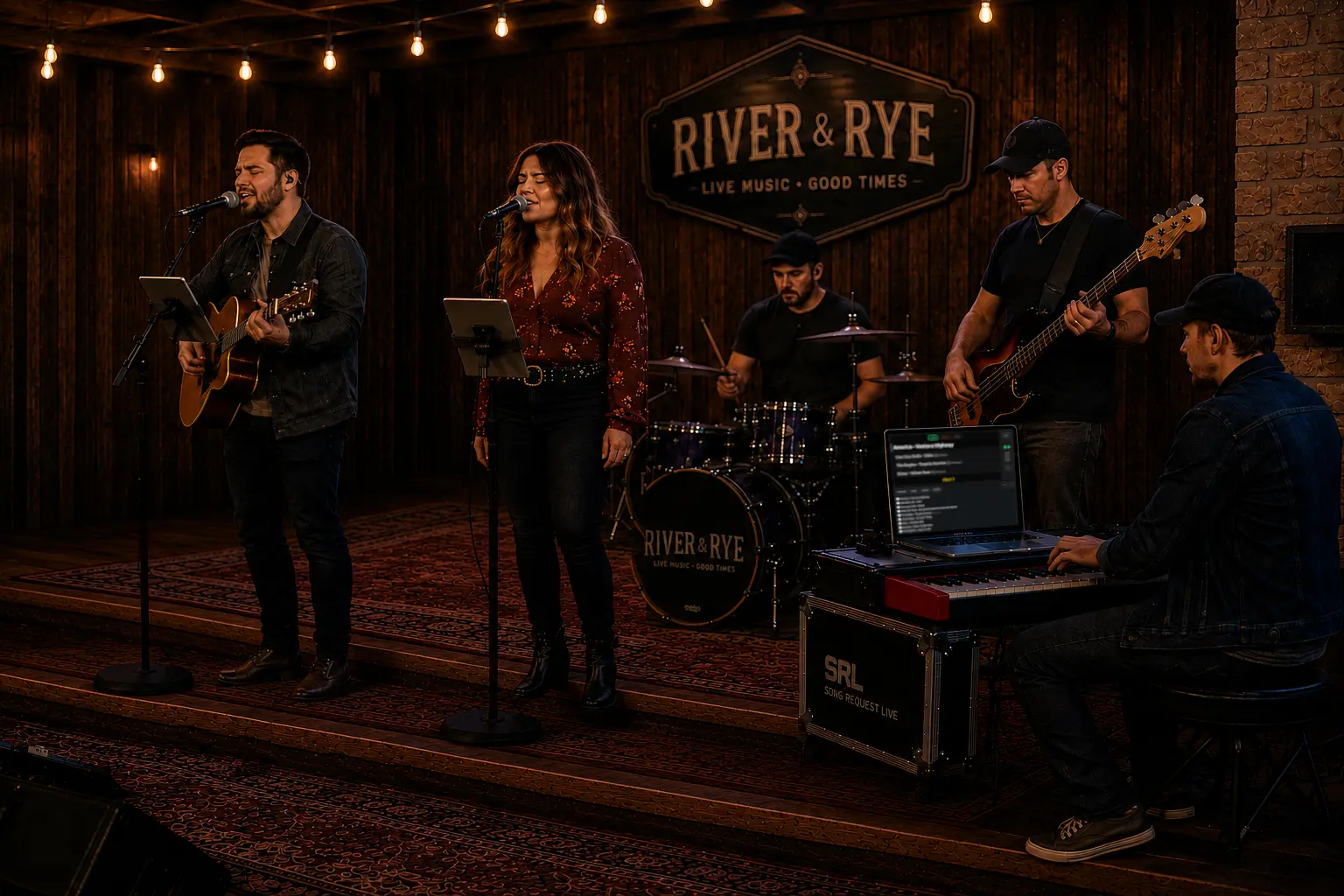
Whether you're performing solo, as a duo, or with a full band,
the SRL Stage Console keeps every performer in sync across as many devices as you need.
Advance to the next song. Open song notes. Requests, tips, all devices stay in sync.
Keep Multiple Versions of Your Show Ready
Performers can create up to 10 private setlists, each designed for a different situation.
- 1, 2, 3-hour sets
- Full Band Set
- Acoustic Duo
- Solo Set
- High-Energy Crowd
- Small Venue
Switch between them instantly.
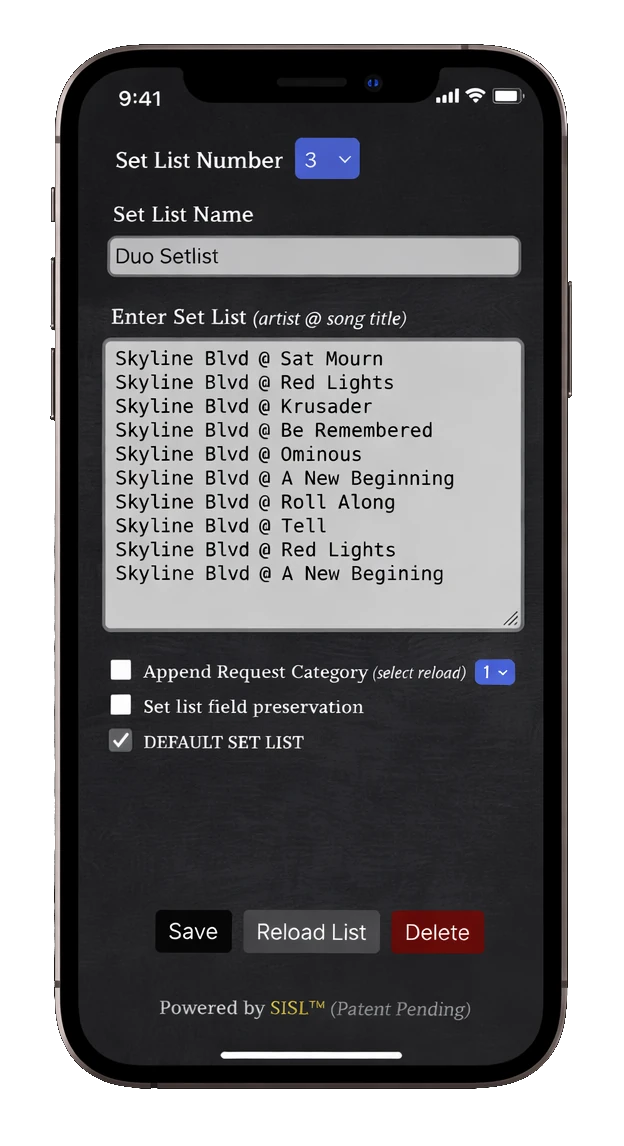
Organize Songs for Audience Requests.
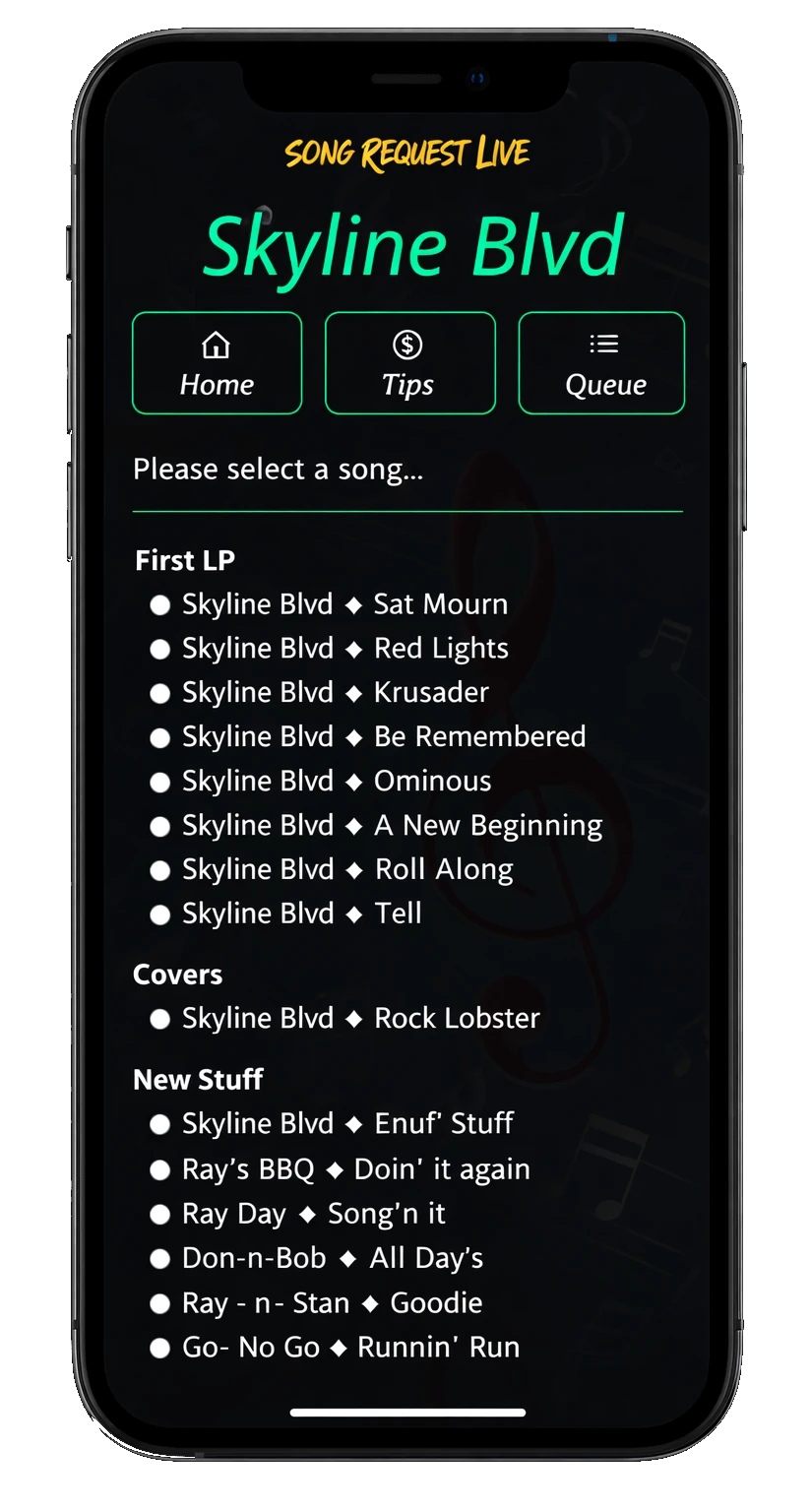
Performers can organize songs into up to 10 request categories.
- Originals
- Popular Covers
- 90s Hits
- Acoustic Favorites
Your audience only sees the request categories you choose.
Switch your entire performance setup in seconds.
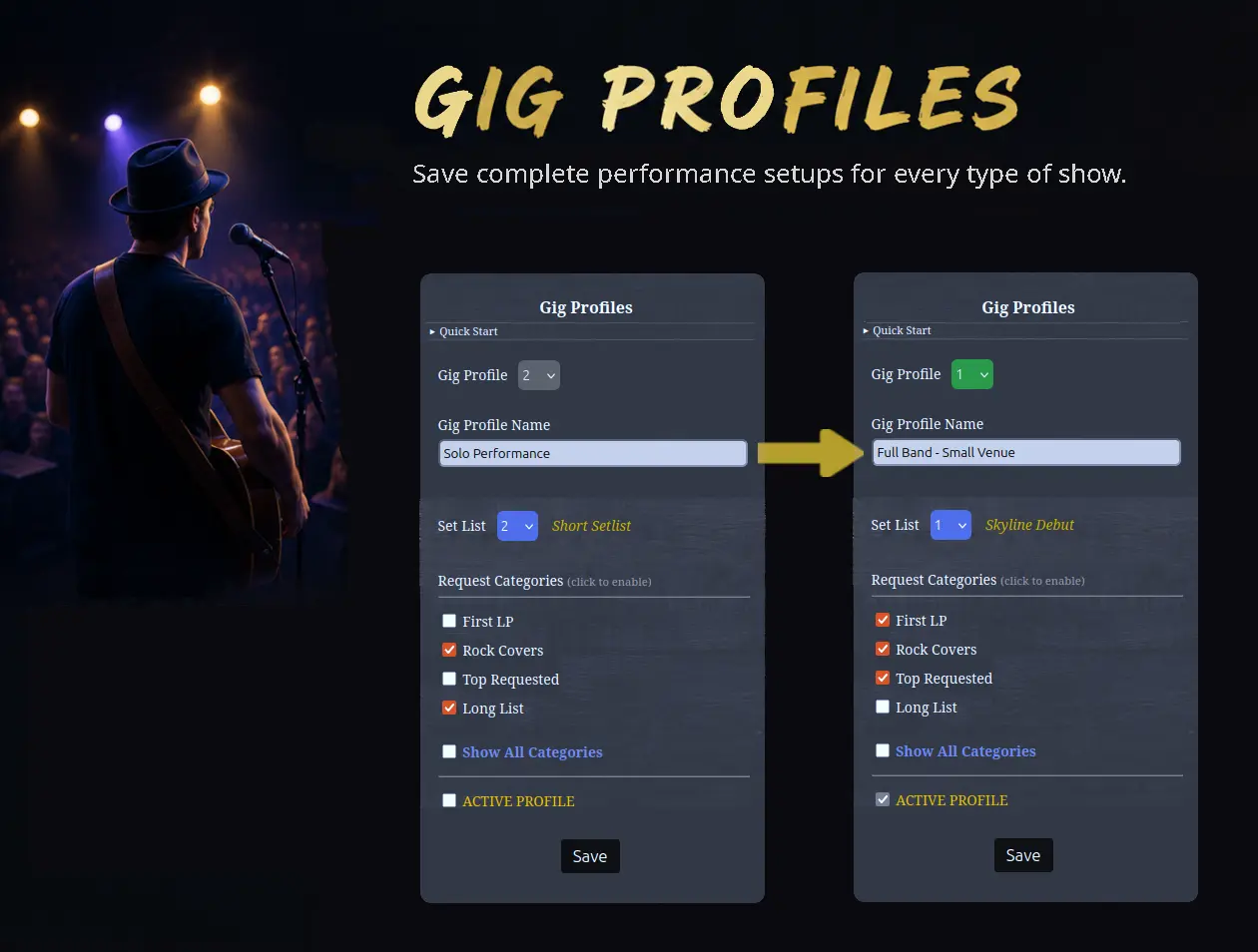
Gig Profiles let performers instantly switch between solo, duo, band, wedding, and venue-specific performance setups.
Swap your setlists and song request categories in a few simple clicks.
When Generosity Strikes, Capture It.
People are most likely to tip when:
- They hear a favorite song
- Their request gets played
- The crowd is excited
- The moment a giving mood strikes
Song Request Live doesn't just enable tipping, it helps you capture the moments when people are most likely to tip.
The result is more participation and more visible appreciation.
Live Song Requests.
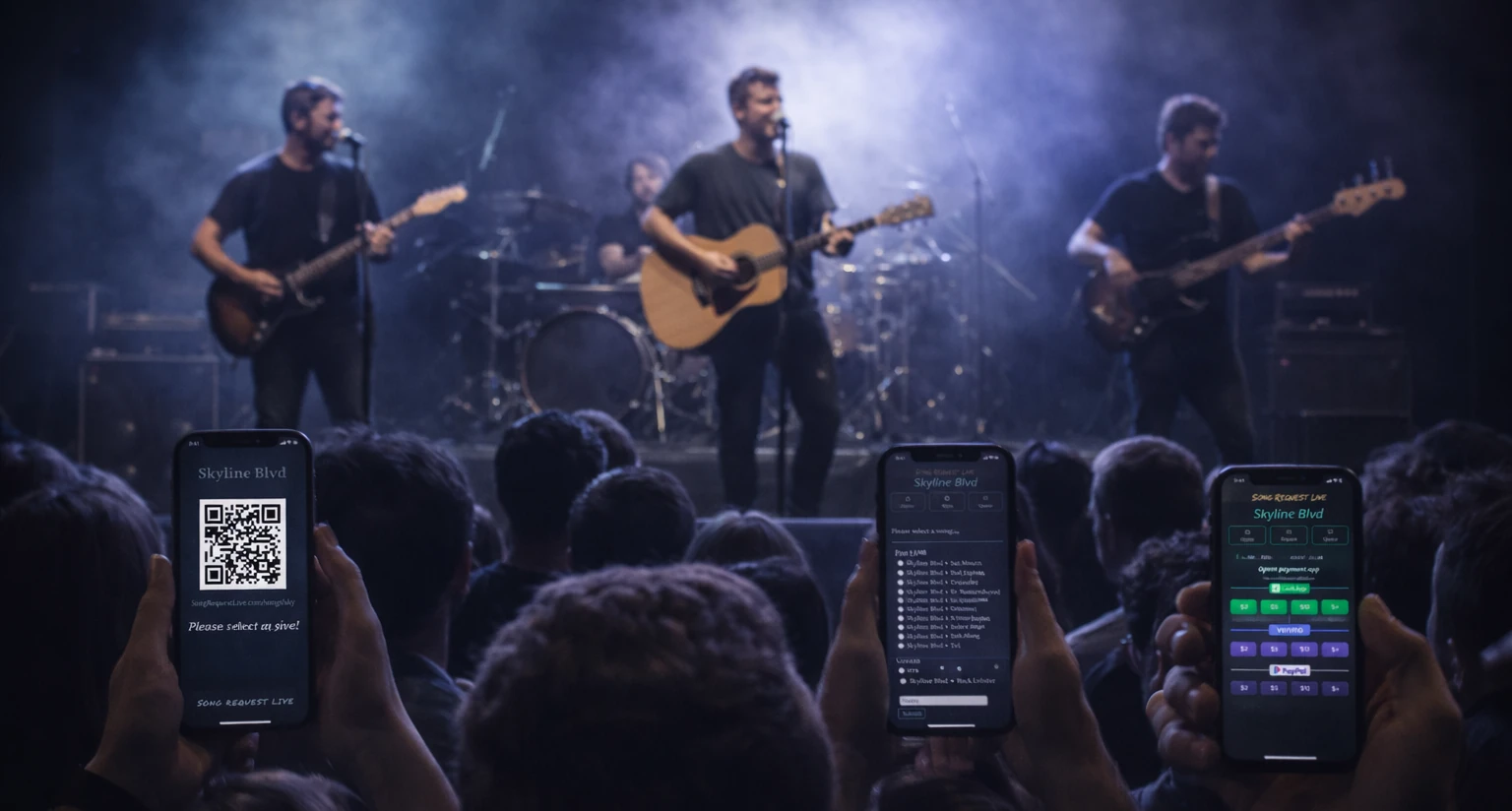
Audience members scan a code and make requests from your published song catalog
(you may enable open requests, too).
- Scan the code
- Request a song
- Leave a tip
No apps. No accounts. No friction.
The crowd becomes part of the show.
The crowd becomes part of the show.
Let your Stage Console help run your next show.
No credit card required for your free account.
